
Valve's Steam Frame is here and VRChat is officially supported both standalone and streamed from your PC.
Here's what you need to know to get started.
-
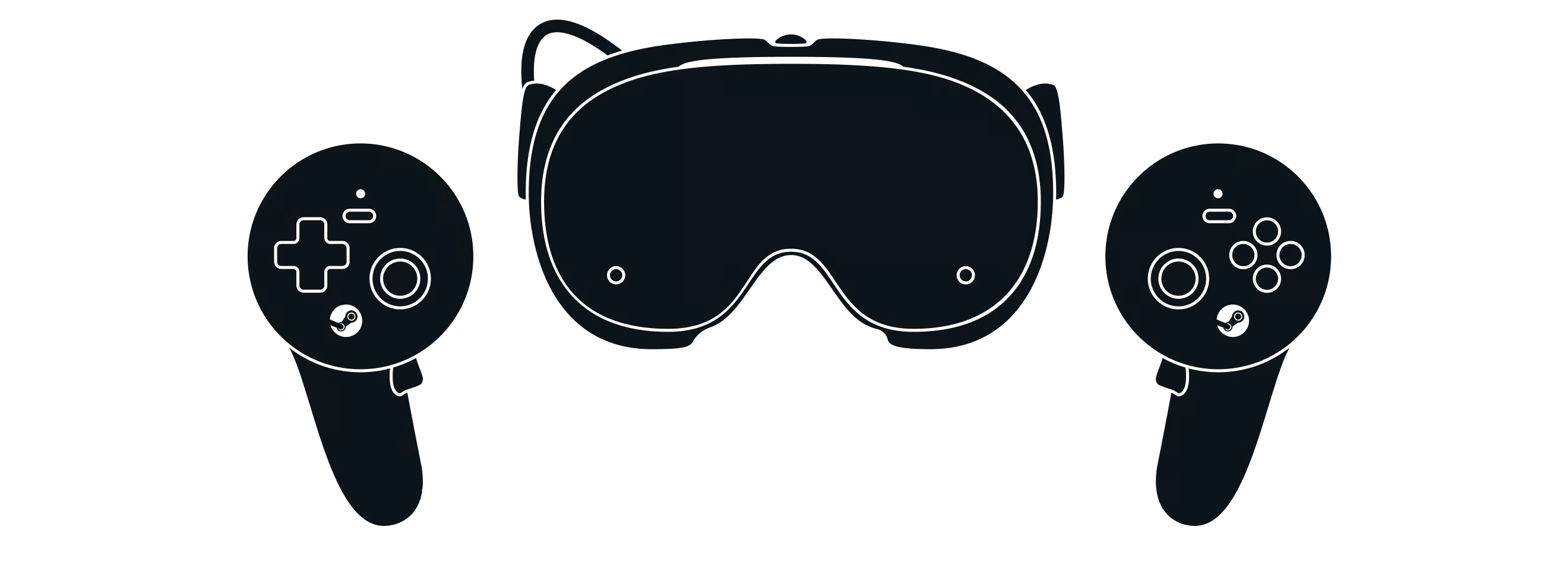
Steam Frame is Valve's new VR headset. You can read more about it here.
-
Yes, in two ways:
- PC Streaming (Recommended): You can run VRChat on your PC and stream it to your Steam Frame through SteamVR.
- VRChat Standalone: Steam Frame supports the Android version of VRChat directly on the Steam Frame.
Due to hardware limitations, the PC version of VRChat is not supported as a standalone option on the Steam Frame.
- You can find VRChat's System Requirements on this page.
- This message is expected and won't prevent you from playing VRChat standalone. Because VRChat is built around user-created content, every world and avatar offers a different experience. We're working directly with Valve on the verification process, along with specific optimizations and improvements. Check back soon!
- Not yet, but we're working on it.
This FAQ will be updated as we track commonly asked questions.
Comments
0 comments
Article is closed for comments.